Your AI team, in your pocket.
Petasai is a beautiful iPhone app for your own Hermes Agent server. Hand out work, watch your bots get it done, and step in only when they need you.
- Runs on your server
- Your keys stay on your iPhone
- No accounts, ads or tracking
- Built for iOS 26 and Liquid Glass
Your team
A boss bot, and a crew that gets things done.
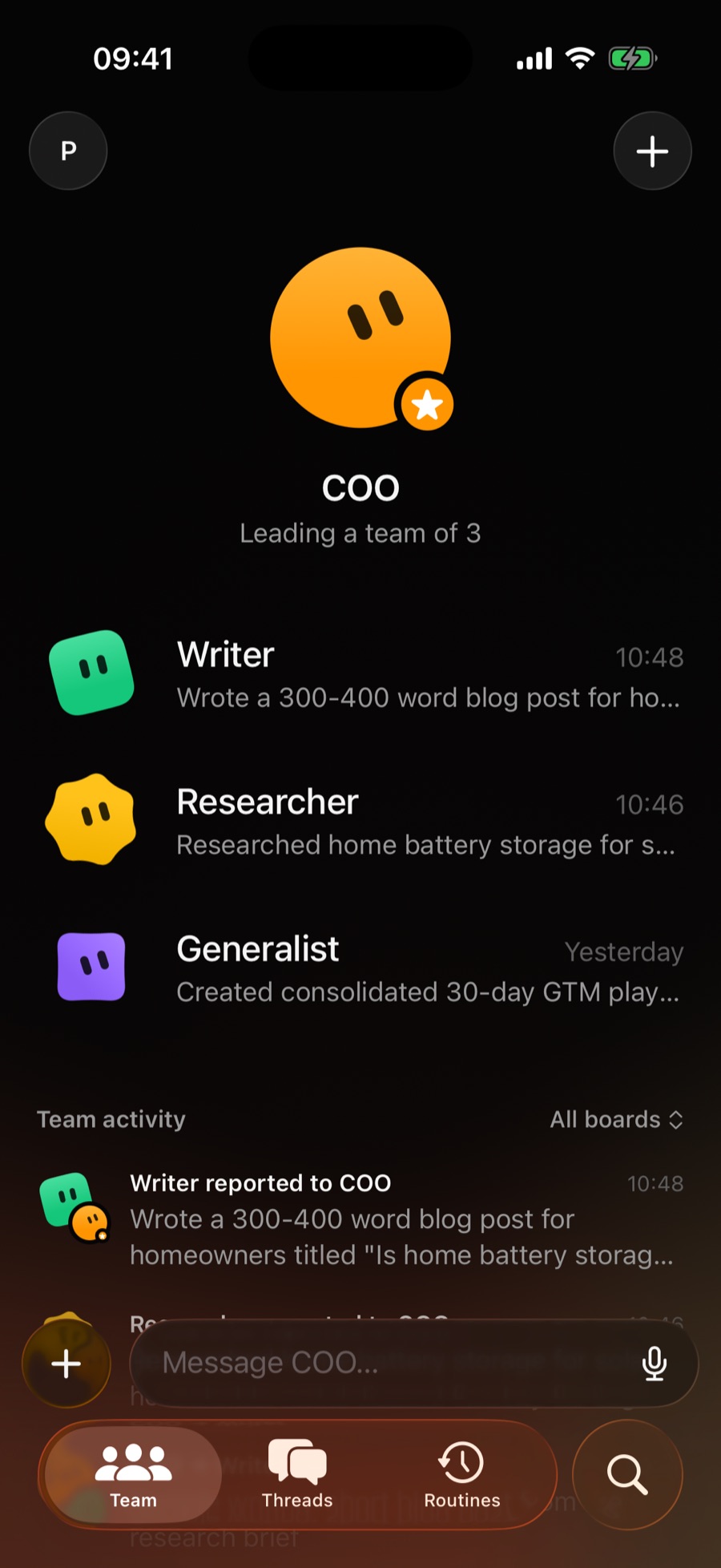
Message your boss bot and it hands work to the right teammate. The Team tab shows who's working on what, who reported back, and who needs you.
- Team activity shows every hand-off, report and question as it happens.
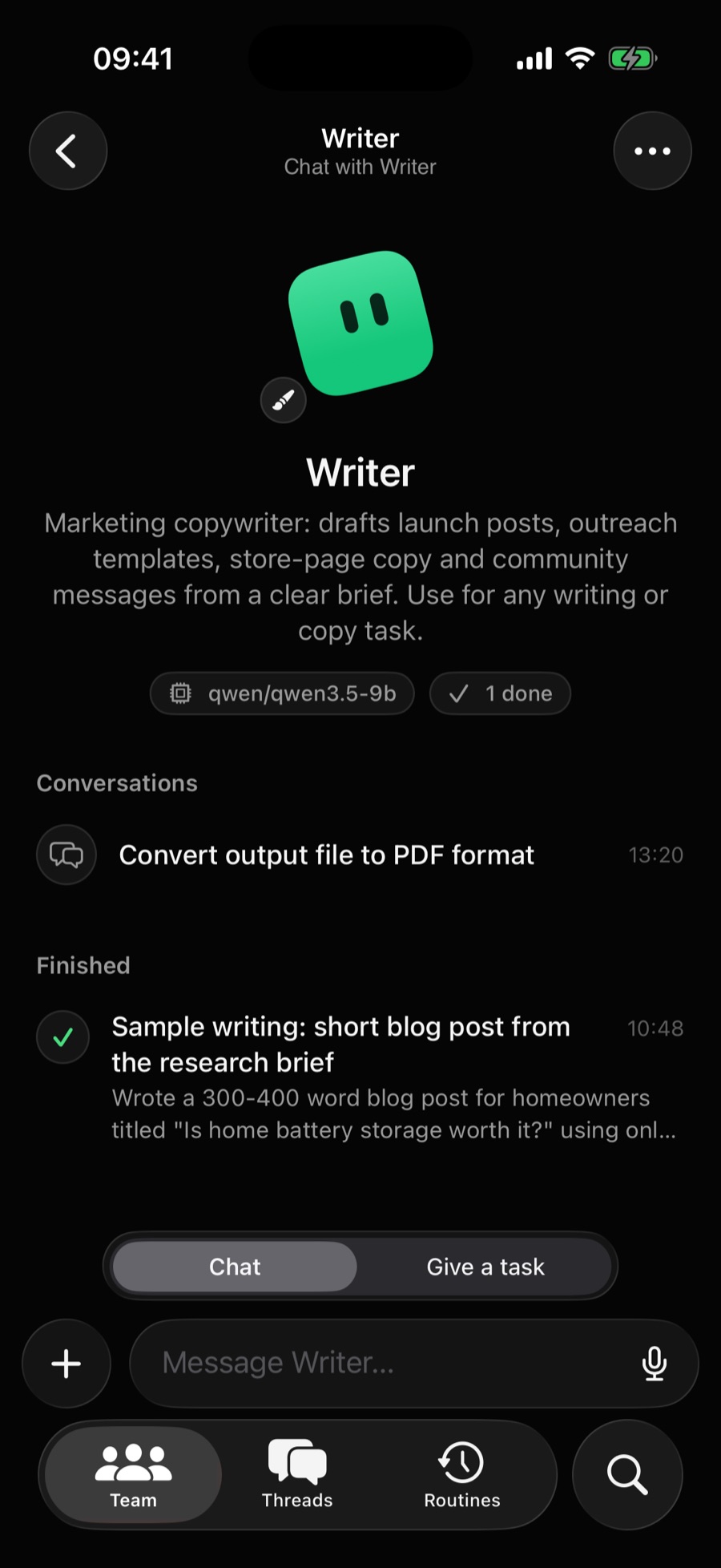
- Chat with any bot, or give one a task directly.
- Hire a new teammate by describing the job. Your boss bot sets it up.
Work you can see
Watch the work happen.
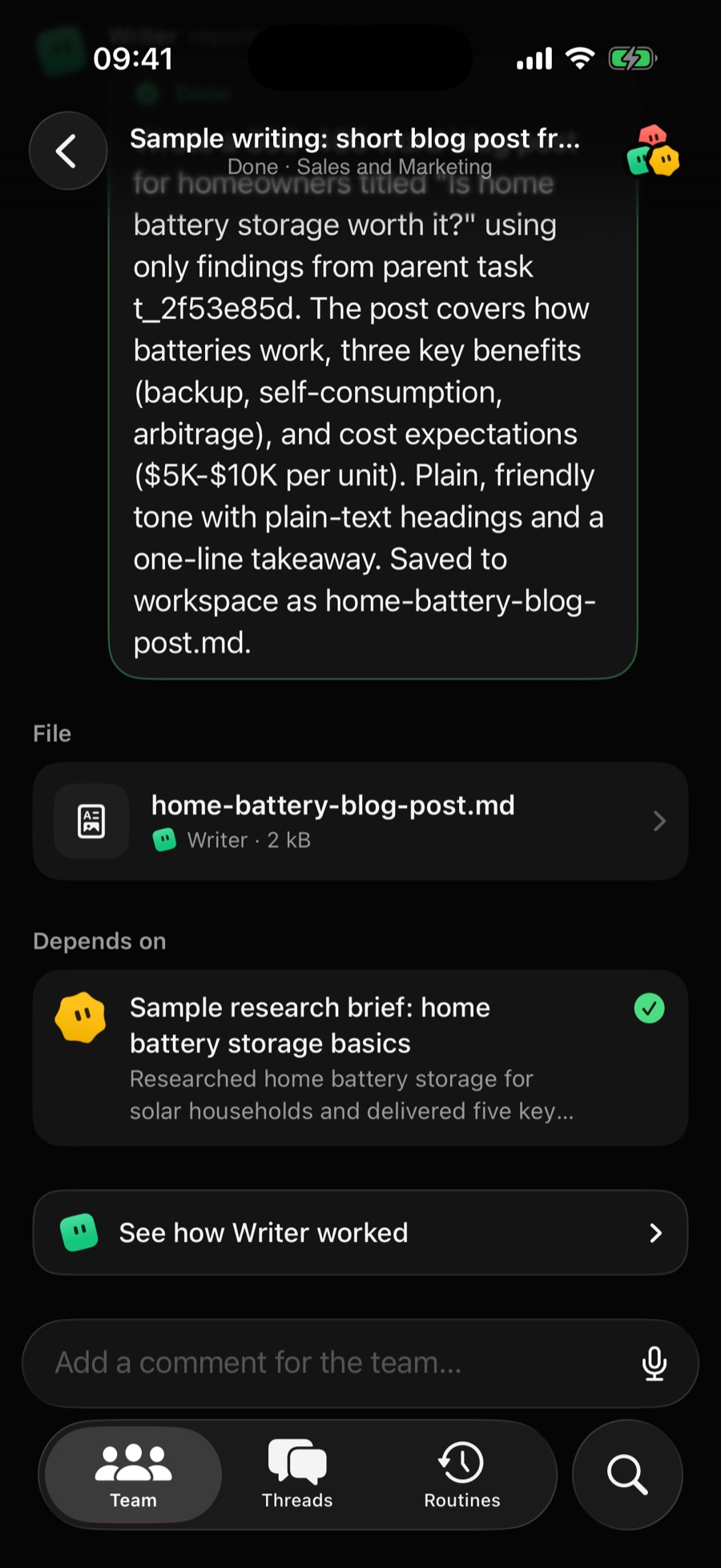
Every task has its own thread: the brief, the report, the tasks it depended on, and how each bot went about it, step by step.
- Live progress as bots run tools, browse and write.
- Approvals for anything risky. Nothing happens until you say so.
- Steer or stop a running task just by typing.
Files
Files, delivered.
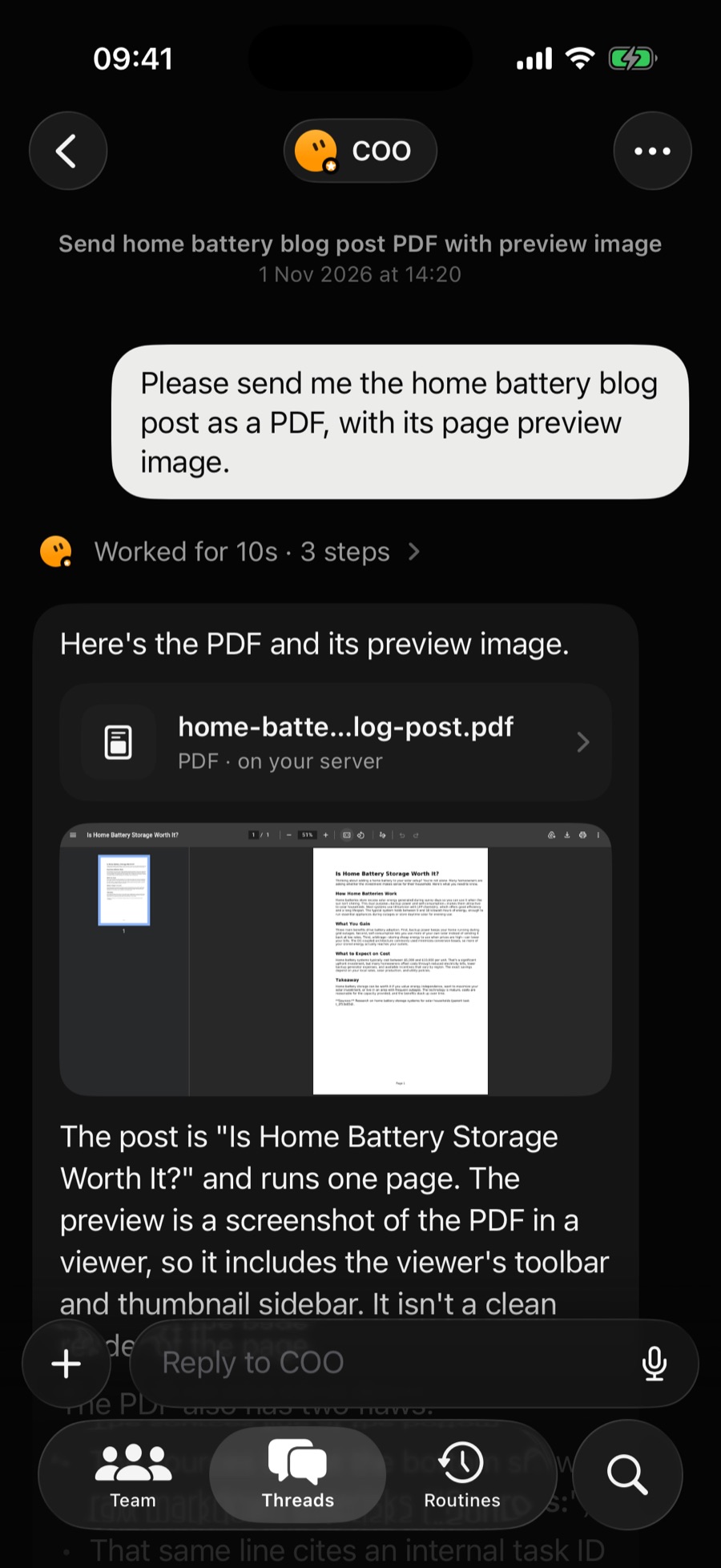
When a bot makes something, it lands right in the chat. Images show inline. PDFs, documents, audio and video open with a tap, ready to share or save to Files.
- Reports and drafts open in a clean reader.
- Anything else opens in Quick Look.
- Straight from your server, never through anyone else's.
Personality
Every bot has a face, and a voice.
Give each bot its own shape, colour and mood. When one needs you, you'll hear it: a little voice, pitched just for that bot.
Only when it matters
It interrupts you only when it needs you.
Petasai keeps an eye on your bots, even after you close it. When one finishes, has a question or gets stuck, you get a notification. Threads you haven't read stay marked.
Private by design
Your server. Your data. Your keys.
Petasai talks straight to the Hermes Agent you run. There's no Petasai cloud in between, and nothing to sign up for.
No middleman
Chats, files and tasks travel only between your iPhone and your server.
Keys stay put
Your API key and password live in the iPhone's Keychain, on that phone only.
Nothing collected
No accounts, analytics, ads or tracking. Dictation runs on the device where supported.
One-tap sign out
Signing out deletes your keys, downloaded files and notifications from the phone.
Setup
Connected in a minute.
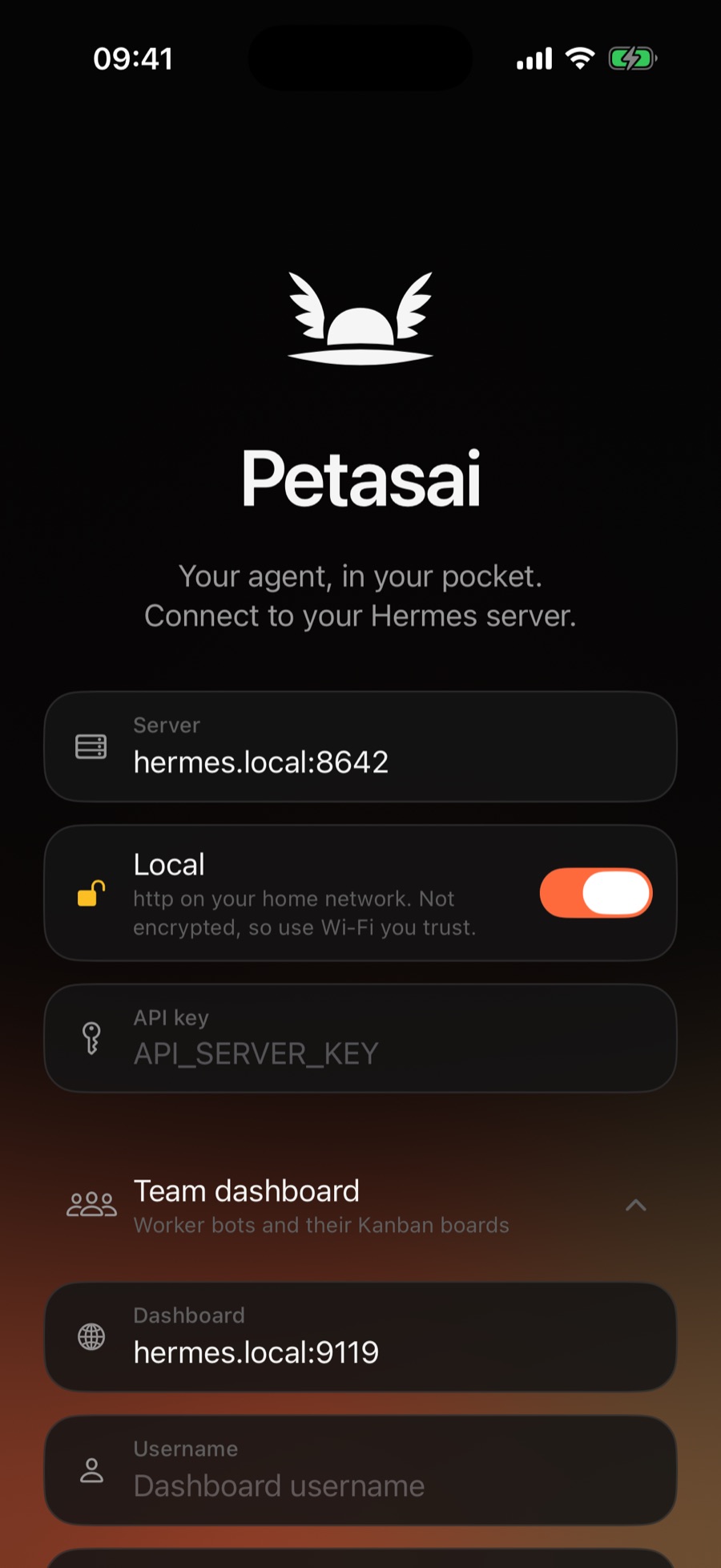
If you already run Hermes Agent, you're nearly there.
- Turn on the API serverSet an
API_SERVER_KEYon your Hermes server. - Enter the address and keyLeave Local on for your home network.
- Add the dashboard (optional)Sign in to bring in your whole team.
Questions
Good to know.
What do I need?
An iPhone on iOS 26.1 or later, and a Hermes Agent server you run yourself (on a Mac, PC, NAS or server) with its API server turned on. The setup guide walks you through it.
Does the AI run on my phone?
No. Your bots run on your Hermes server, with whichever AI models you've set it up to use. Petasai is the remote control.
Do I need to open my server to the internet?
No, and you shouldn't. At home, Petasai connects over your Wi‑Fi. Away from home, use a VPN such as Tailscale or WireGuard, or serve Hermes over HTTPS.
Can my data be seen by anyone else?
Petasai never sends your data to us or anyone else. It goes between your iPhone and your server, and your server talks to the AI providers you've chosen. See the privacy policy.
Is Petasai made by Nous Research?
No. Petasai is an independent app for Hermes Agent and isn't affiliated with Nous Research.